
Free
A light, focused setup to keep key sites visible.
- Open 4 websites simultaneously.
- Switch between 3 predefined layouts.
Browser Sidecar
Pin the few sites you need beside your work, open the same site with different credentials side by side, with a built-in tab limit.
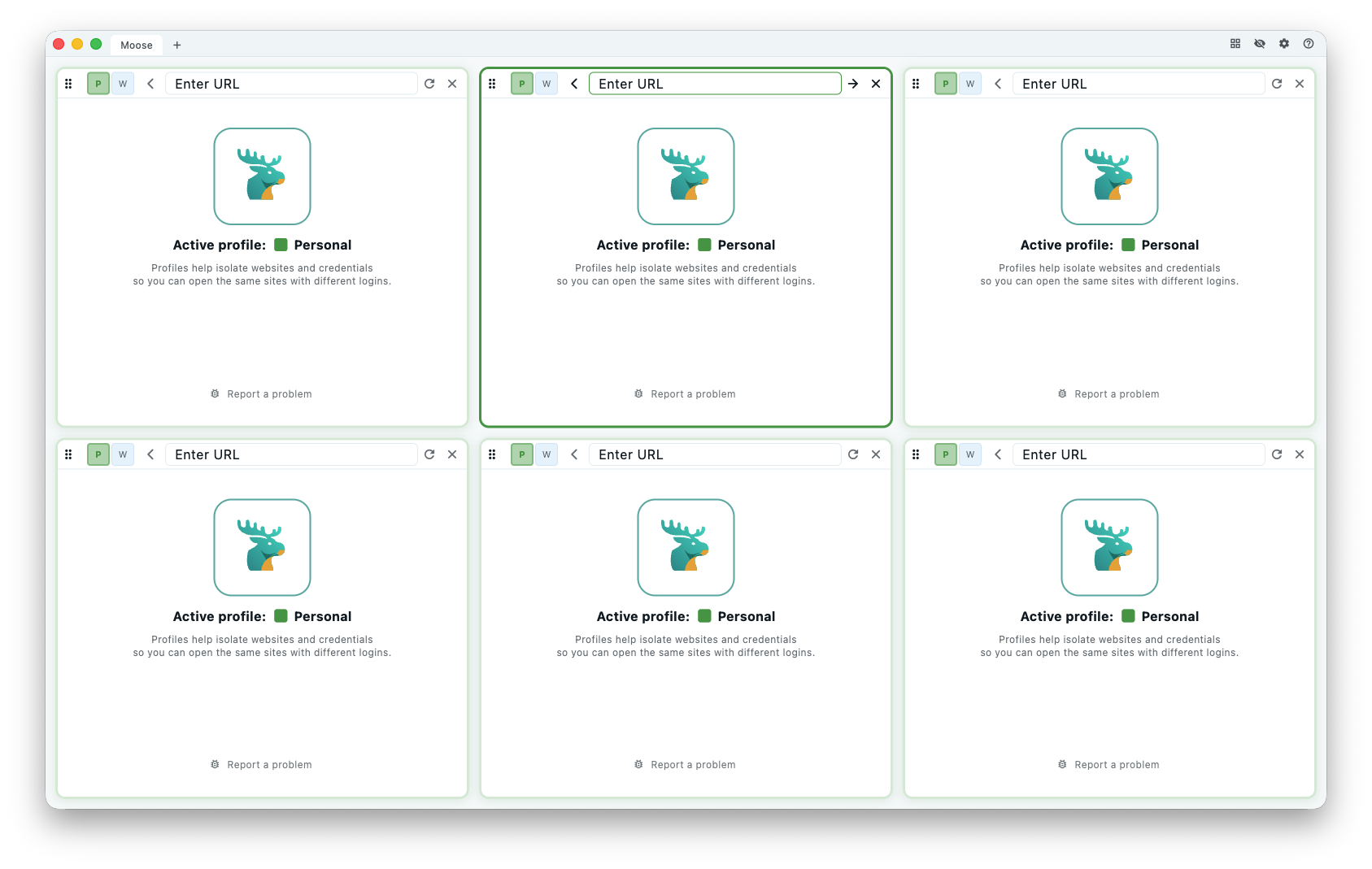
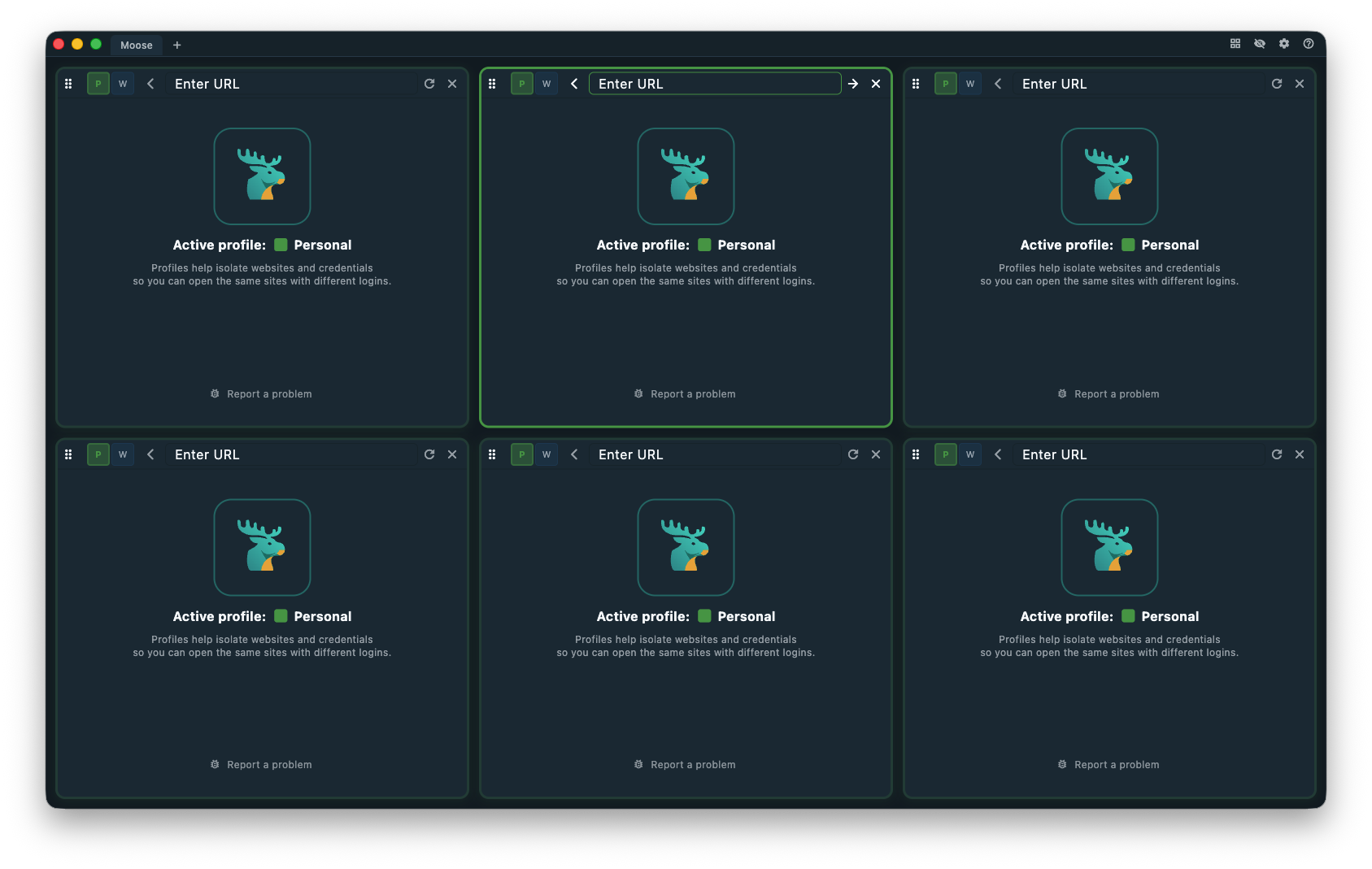
We are opening spots in batches. Share your email and we will send your invite the moment your cohort opens. Approved beta users get a lifetime license for free.
Subscribe for product updates and early access when the waiting list opens.
How it works
Moose keeps your essential sites visible side-by-side, so focus stays on the work instead of tabs. Change the layout, rearrange your websites, configure everything once.
Pricing
Start free with a focused setup or unlock flexible layouts with a lifetime license.
A light, focused setup to keep key sites visible.
Full control for custom layouts and bigger workspaces.
FAQ
A quick overview of pricing, privacy, and platform support before you try Moose.
Moose is free to use, but some features are limited. For the full experience and to support development, please consider buying a license.
Buy a license first on the purchase page. Then open Moose Browser, click the Settings icon, choose Activate License, and enter your license key.
Currently, Moose does not track anything. We may introduce anonymized telemetry in the future with an option to opt out.
Currently macOS. Windows and Linux are coming soon.
Send us an email at info@moosebrowser.com.